Guide
Sign up and create your organization
Create your account and organization and start the 7-day free trial.
Getting started with HRHandle takes a couple of minutes. You create an account, confirm your email, and HRHandle sets up your organization with a free 7-day trial. You don't need a payment card.
Step 1 — Create your account
Open hrhandle.com and click the sign-up button. Choose your language on the home page first: your account and your organization start in that language.
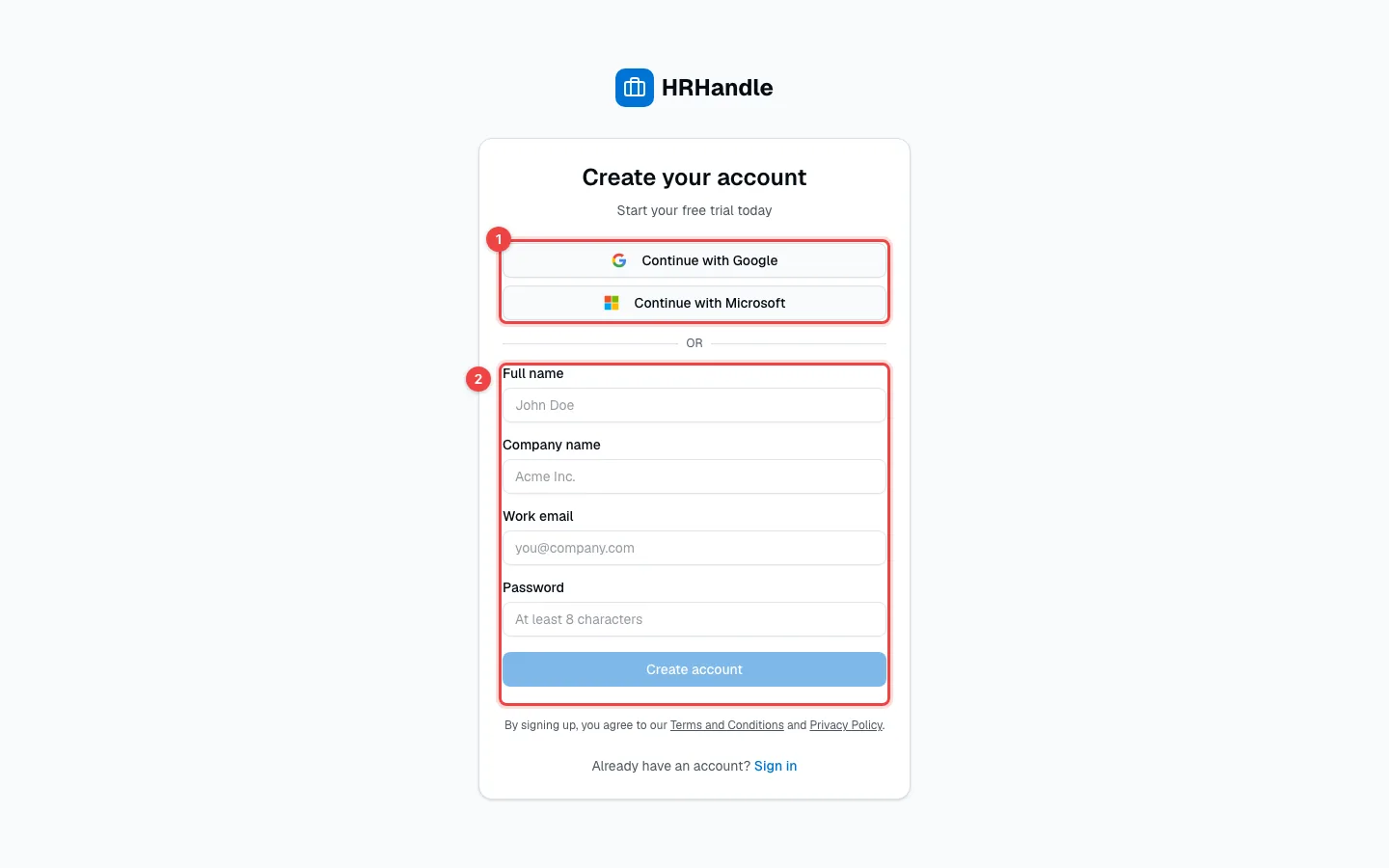
- Continue with Google or Continue with Microsoft — sign up with your work account. You won't need a separate password.
- Or fill in Full name, Company name, Work email and a Password of at least 8 characters, then click Create account.
By creating an account, you agree to the Terms and Conditions and the Privacy Policy.
Step 2 — Confirm your email
If you signed up with your email, HRHandle sends you a confirmation link.
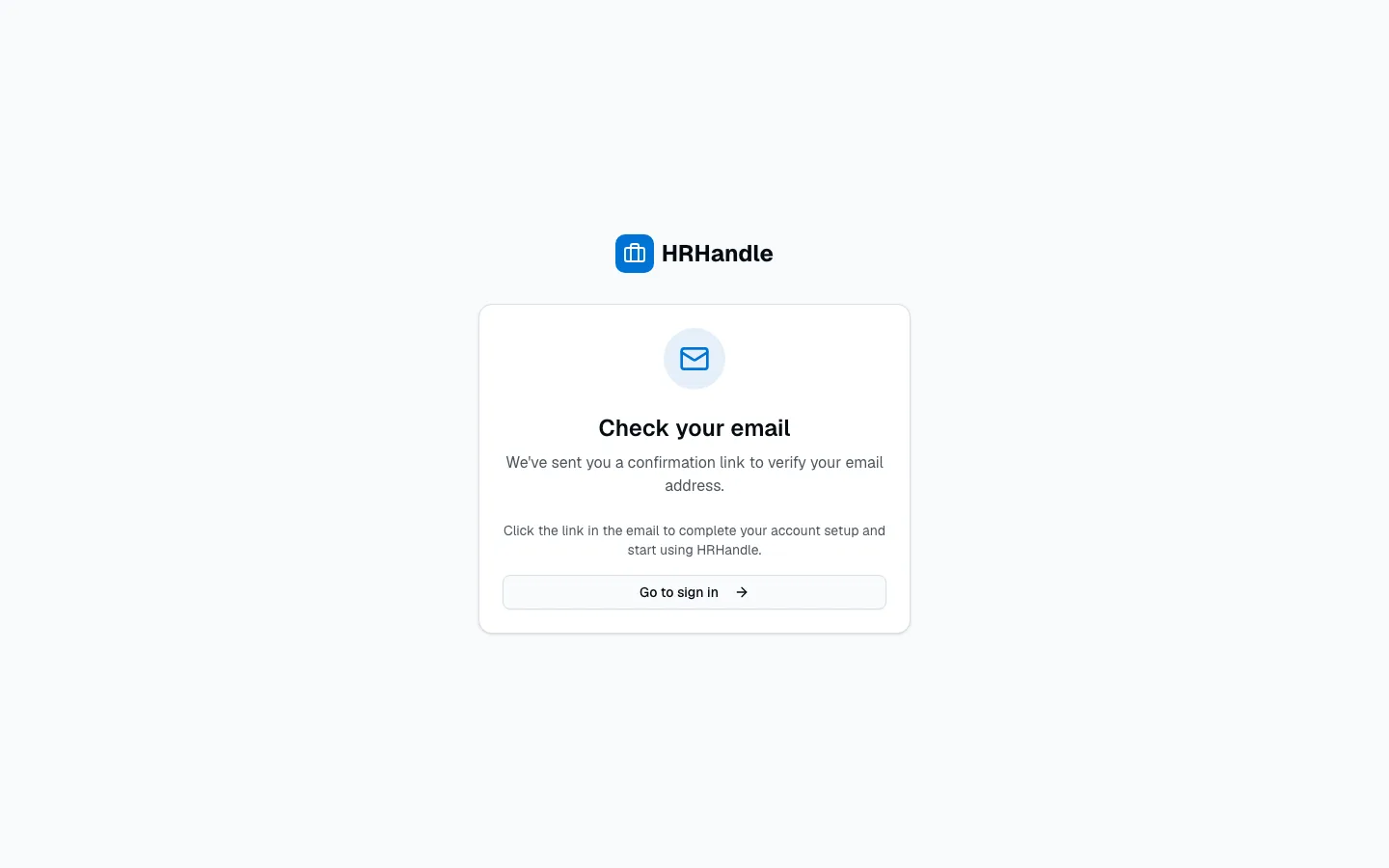
The link works on any device and in any browser, so you can open it on your phone. Google and Microsoft sign-ups skip this step.
Step 3 — Tell us about your company
If you signed up with Google or Microsoft, HRHandle asks two questions before you start.
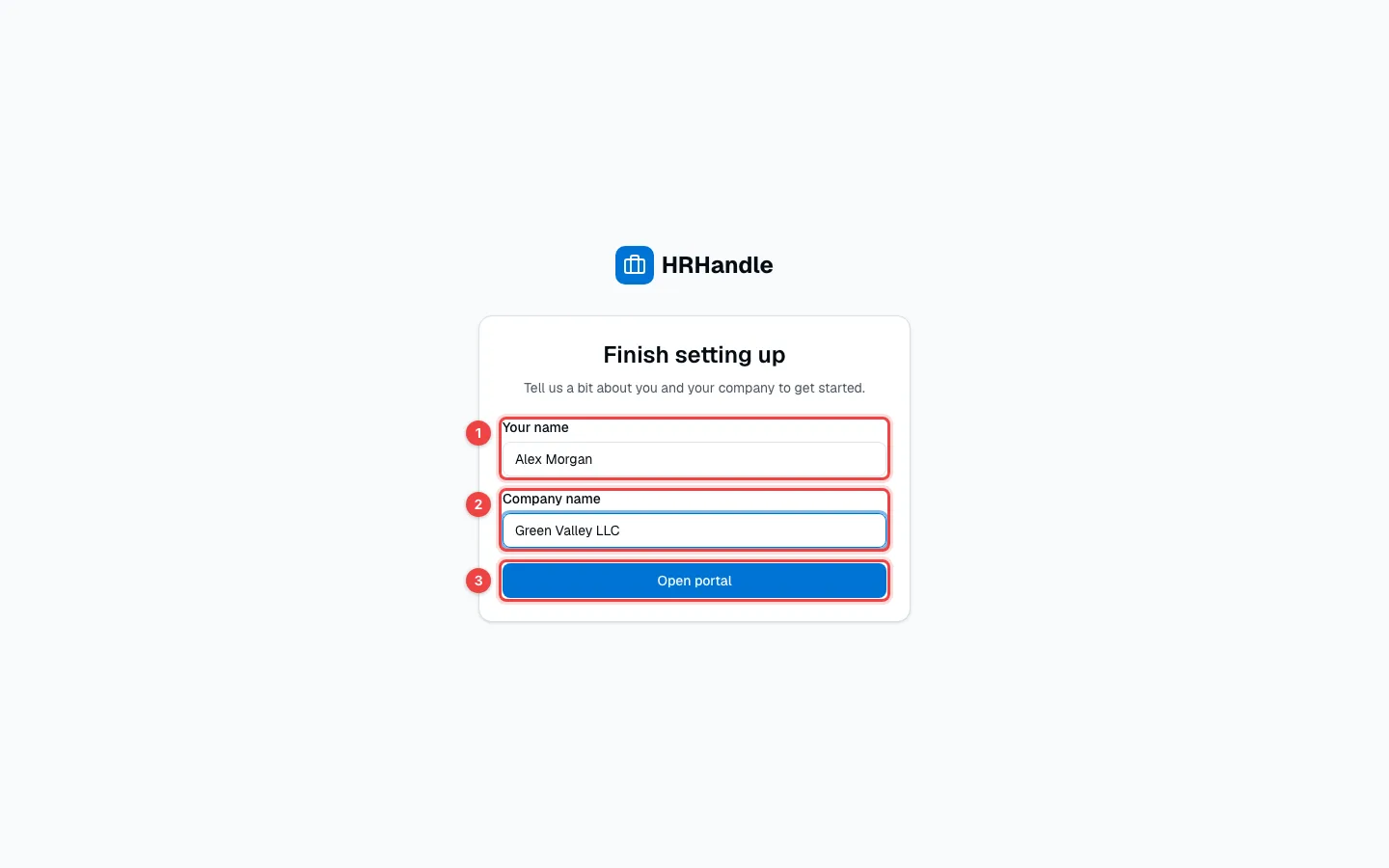
- Your name — how your teammates will see you.
- Company name — the name of your organization. Candidates see it too.
- Open portal — creates your organization and opens HRHandle.
Your first screen
You land on the Pipeline, HRHandle's home screen. It's empty until you create your first vacancy.
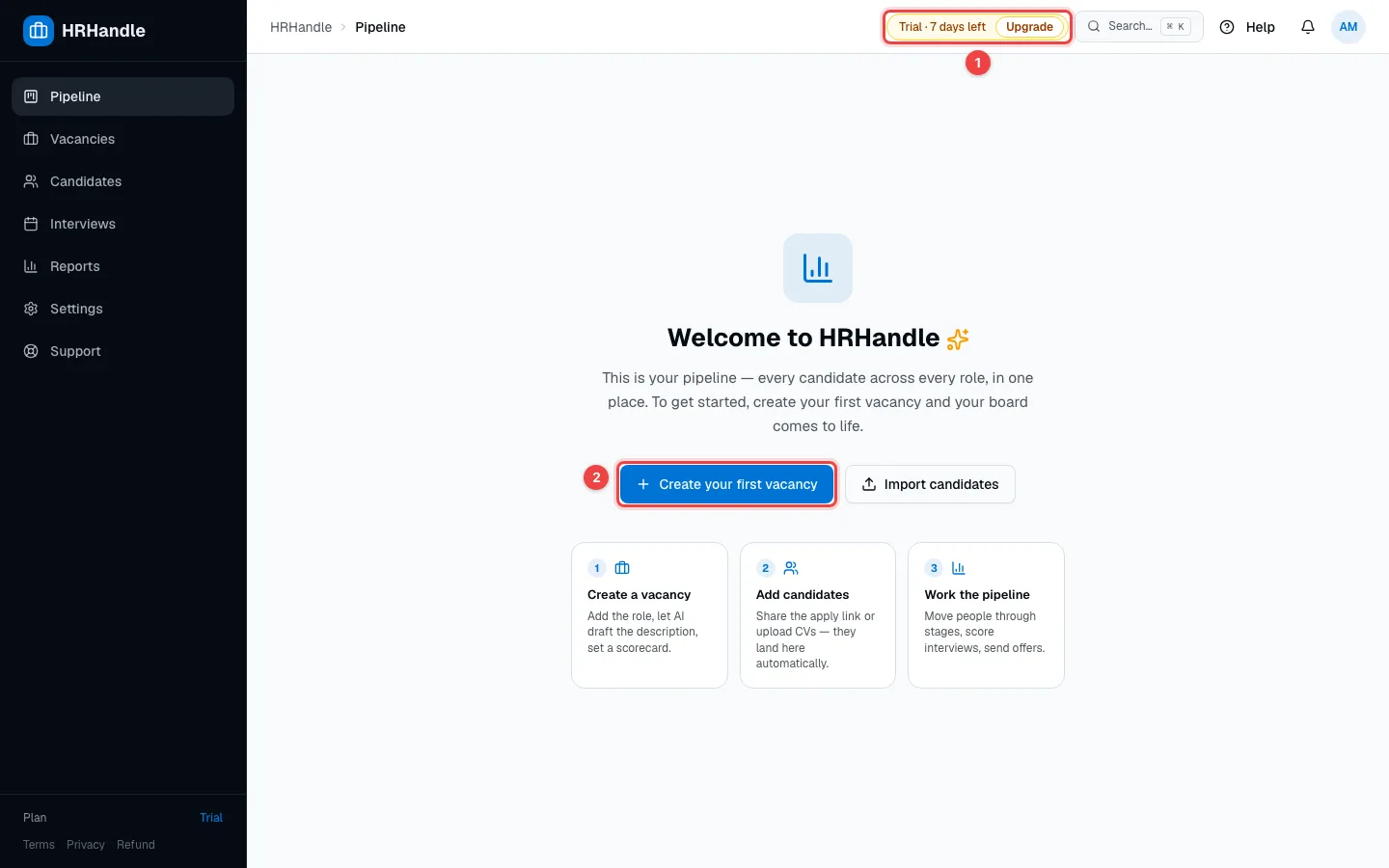
- The trial pill shows how many days of the trial are left. Upgrade opens your plans.
- Create your first vacancy starts the vacancy wizard — see Create a vacancy. You can also Import candidates from a spreadsheet.
Behind the scenes, HRHandle has already:
- Created your organization with the company name you entered.
- Made you its Owner, the role with full access.
- Started the 7-day trial.
- Set your organization's language — the language candidates see — to the language you signed up in. You can change it in Organization settings.
What's included in the trial
Every feature works during the trial, including the AI features and the integrations. The only limits are:
| Trial | |
|---|---|
| Length | 7 days |
| Vacancies | 5 |
| Candidates | 100 |
| Team members | 2 |
When the trial ends, HRHandle is paused until you choose a plan. Your data is kept, so you can continue where you left off. See Plans and billing.
Joining a colleague's organization
If a colleague invited you, don't create a new organization: open the link in the invitation email and sign up (or sign in) with the email address the invitation was sent to. You join their organization with the role they chose. See Team and roles.